Sport Widgets
Build embeddable odds displays, live score widgets, and event calendars powered by ALT Sports Data.
Sport Widgets
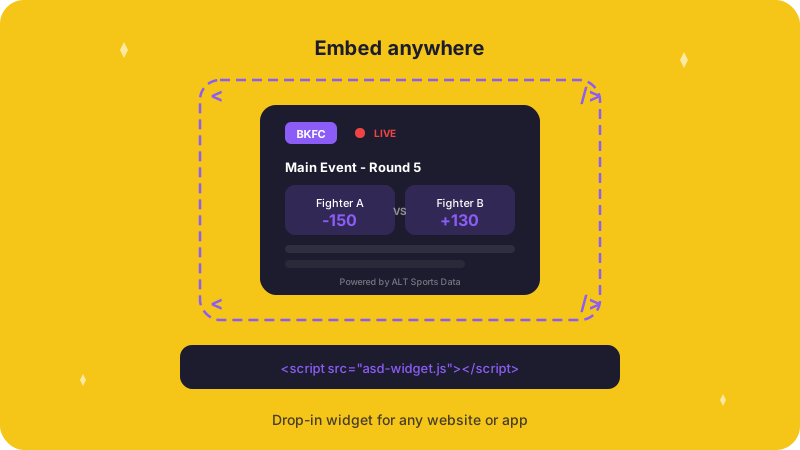
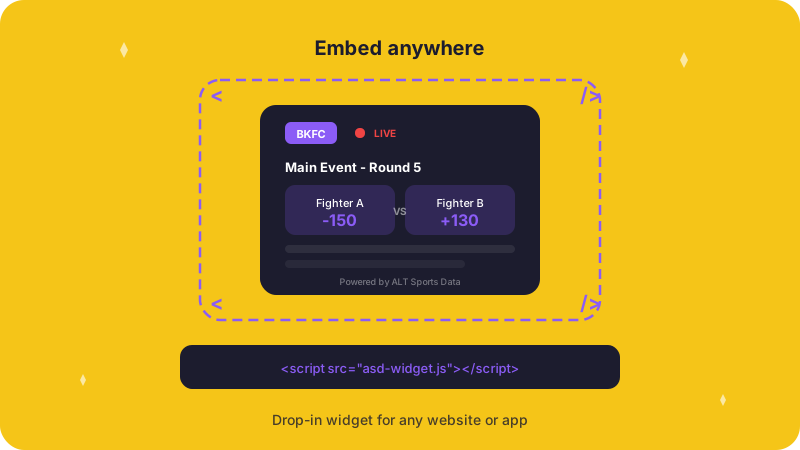
Sport widgets are embeddable UI components — odds tickers, live scoreboards, event calendars, matchup cards — that pull real-time data from ALT Sports Data and render it inside a host page or app.
If you are building widgets for editorial content, affiliate sites, broadcast overlays, or in-app sports experiences, this page maps the API surface to typical widget patterns.
What You Can Build
| Widget Type | Data Source | Key Endpoint |
|---|---|---|
| Odds display | Moneylines, spreads, totals, props | GET /events/{id}/{oddType} |
| Live scoreboard | Event status, scores, heat results | GET /events/{id} |
| Event calendar | Upcoming events by sport and date | GET /events |
| Participant card | Rosters, matchups, competitor info | GET /events/{id}/participants |
| Futures tracker | Season-long winner odds | GET /futures |
| SGP calculator | Same Game Parlay probability | POST /events/{id}/sgp |
Core Endpoints for Widgets
These are the endpoints widget builders use most. Each returns consistent JSON with pagination and metadata, so your rendering layer stays predictable.
List Events
Filter events by sport, status, and date range — the backbone of any event calendar or schedule widget.
Get Event Odds
Pull odds for any of 16 market types — moneylines, matchups, totals, props, exactas, and more.
Get Event Details
Full event data including rounds, heats, teams, and current status for live scoreboards.
Get Participants
Competitor rosters and matchup data for participant cards and head-to-head displays.
Supporting Data
List Sports
Discover all supported sports and their market types — use this to configure widget behavior by sport.
List Futures
Season-long futures markets for building futures trackers and outright winner widgets.
Markets and Betting Lines
Understand how market structures work so your widget labels and formatting stay accurate.
Widget Development Tips
Keep polling intervals reasonable. Odds data updates frequently, but most widget use cases do not need sub-second refresh. A 15-30 second poll for live events and 5-minute poll for upcoming events keeps your rate limit usage low. See Rate Limits.
Handle event time changes. Events get delayed, rescheduled, or cancelled. Your widget should gracefully handle status transitions. See Event Time Changes for the full status flow.
Use sport archetypes for adaptive layouts. Different sports have different market structures (motorsport podiums vs. combat matchups vs. team spreads). The Archetypes endpoint tells you what market types a sport supports, so your widget can adapt its layout automatically.
Start with demo credentials. You can build and test your entire widget with demo API keys before going to production. See Authentication.