Quickstart
Get the ALT Sports Data MCP Server running in under 2 minutes.
MCP Server Quickstart
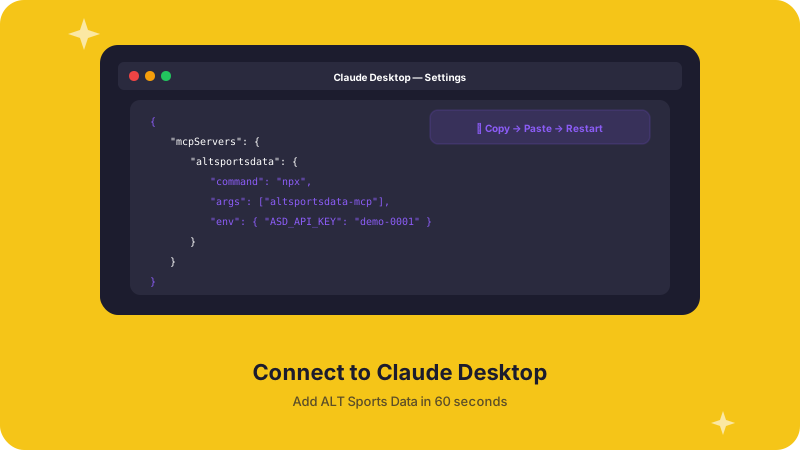
Get live alternative sports data in your AI agent in under 2 minutes.
Prerequisites
- Python 3.10+ and uv (recommended) or pip
- An ALT Sports Data API Key — get one here
- An MCP-compatible client: Claude Desktop, Claude Code, Cursor, or any MCP client
Install the MCP Server
uv pip install altsportsdata-mcppip install altsportsdata-mcpgit clone https://github.com/asd-git-master/altsportsdata-mcp.git
cd altsportsdata-mcp
uv pip install -e .Add to Your AI Tool
Pick your tool and drop in the config:
macOS: ~/Library/Application Support/Claude/claude_desktop_config.json
Windows: %APPDATA%\Claude\claude_desktop_config.json
{
  "mcpServers": {
    "altsportsdata": {
      "command": "uv",
      "args": [
        "run", "--directory", "/path/to/altsportsdata-mcp",
        "python", "-m", "altsportsdata_mcp.server"
      ],
      "env": {
        "ALTSPORTSDATA_API_KEY": "your_api_key"
      }
    }
  }
}
Restart Claude Desktop. Look for the 🔧 icon — you should see 29 tools.
Option A: Project-level — add .mcp.json to your project root:
{
  "mcpServers": {
    "altsportsdata": {
      "command": "uv",
      "args": [
        "run", "--directory", "/path/to/altsportsdata-mcp",
        "python", "-m", "altsportsdata_mcp.server"
      ],
      "env": {
        "ALTSPORTSDATA_API_KEY": "your_api_key"
      }
    }
  }
}
Option B: Global — register via CLI:
claude mcp add altsportsdata \
  --command "uv" \
  --args "run" "--directory" "/path/to/altsportsdata-mcp" \
        "python" "-m" "altsportsdata_mcp.server" \
  --env ALTSPORTSDATA_API_KEY=your_api_key
Verify: claude mcp list
Create .cursor/mcp.json in your project root:
{
  "mcpServers": {
    "altsportsdata": {
      "command": "uv",
      "args": [
        "run", "--directory", "/path/to/altsportsdata-mcp",
        "python", "-m", "altsportsdata_mcp.server"
      ],
      "env": {
        "ALTSPORTSDATA_API_KEY": "your_api_key"
      }
    }
  }
}
Or go to Settings → MCP → Add new MCP server and paste the command.
Try It
Ask your AI agent something like:
"What WSL surfing events are coming up? Show me the odds for the next one."
"List all F1 events this month and give me the moneyline favorites."
"Calculate a same-game parlay for the upcoming BKFC event."
The agent will use the MCP tools automatically — you'll see tool calls for get_events, get_moneylines, get_favorites, etc.
Verify It's Working
You can test the server directly:
# Check it starts cleanly
ALTSPORTSDATA_API_KEY=your_key python -m altsportsdata_mcp.server 2>&1 | head -1
You should see the FastMCP startup message. Press Ctrl+C to stop.
Transports
| Transport | Use Case | Command |
|---|---|---|
| stdio (default) | Claude Desktop, Claude Code, Cursor, OpenClaw | python -m altsportsdata_mcp.server |
| HTTP/SSE | Shared/remote access, Windsurf, web apps | python -m altsportsdata_mcp.server --sse --port 8080 |
For HTTP/SSE, connect using:
{
  "mcpServers": {
    "altsportsdata": {
      "url": "http://localhost:8080/mcp"
    }
  }
}
What's Next?
- Tools Reference → — Detailed docs for all 29 tools with parameters and examples
- API Reference → — Raw API endpoint documentation
- SDKs → — TypeScript and Python SDK documentation